How to create a website for interior designers and architects (using the Alcove Squarespace template)
Creating a website as an interior designer or architect isn’t just about looking good — it’s about clearly communicating your expertise, showcasing your work, and building trust before a client ever gets in touch.
If you’re searching for a practical, design-led approach to building a professional website, this guide will walk you through how to create a website for interior designers and architects, what pages and sections you actually need, and how to write content that resonates with ideal clients.
I’ll also show you how the Alcove Squarespace website template for interior designers and architects can support you — whether you’re building your site yourself, refining it with support, or opting for a semi-custom, done-for-you approach.
Why your website matters as an interior designer or architect
For interior designers and architects, your website often acts as your first portfolio presentation.
Before a potential client contacts you, they are asking:
Do I like their style?
Do they feel experienced and professional?
Do they understand projects like mine?
Can I trust them with a significant investment?
A well-structured website answers these questions quietly and confidently.
This is where a considered Squarespace website template for interior designers and architects becomes invaluable — it gives you the structure to present your work clearly, without overwhelming visitors or relying on unnecessary trends.
Introducing Alcove: A Squarespace website template for interior designers and architects
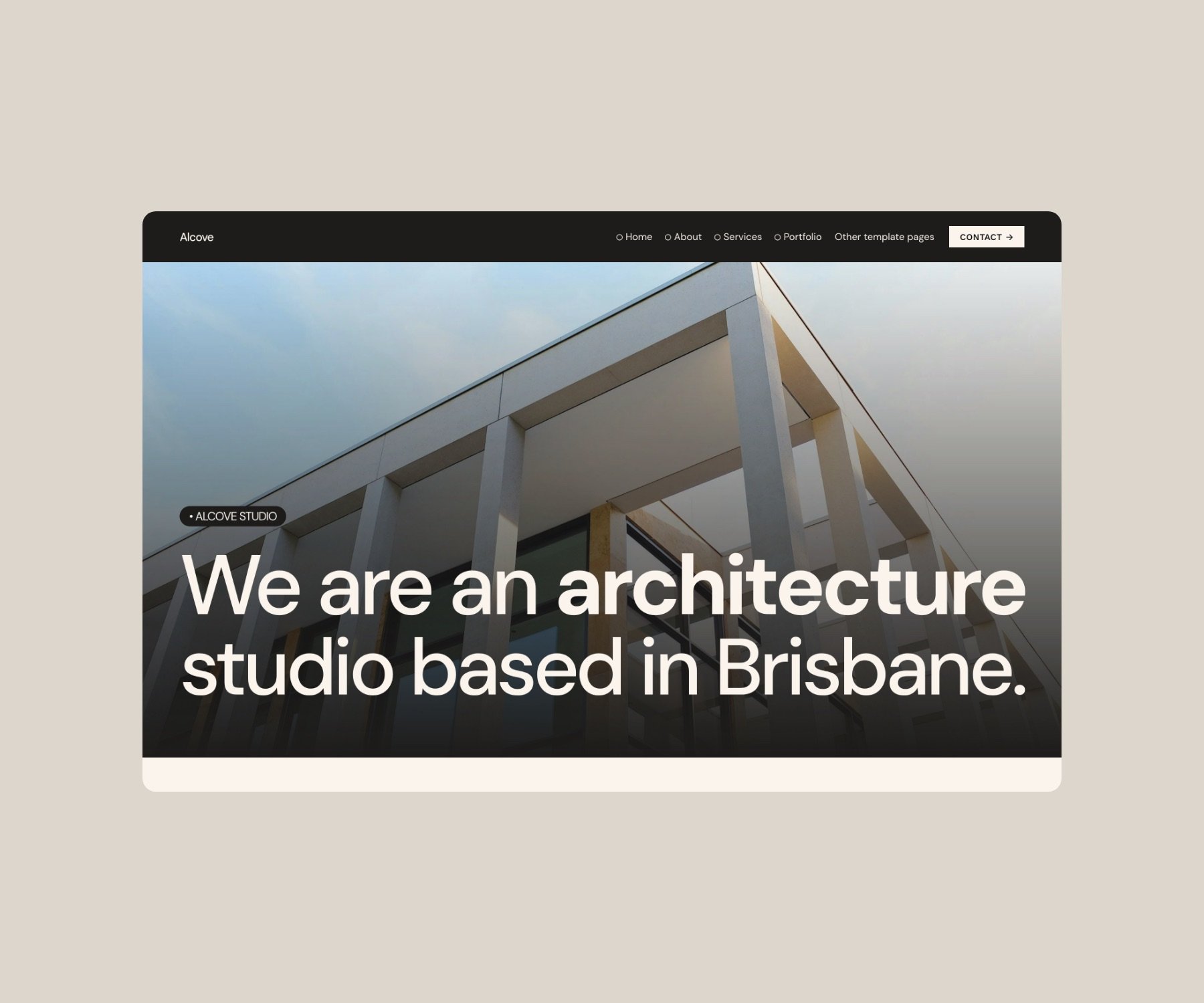
Alcove is a refined, architectural Squarespace website template designed specifically for design-led, service-based businesses.
It is particularly well suited to:
Interior designers and interior stylists
Architects and building designers
Landscape and spatial designers
Design studios and consultancies
The design philosophy behind Alcove is simple: strong layout, clear hierarchy, and visual restraint. This allows your projects, process, and expertise to remain the focus.
The essential pages every interior designer or architect website should have
When building a website, more pages don’t necessarily mean better results. Clarity is far more important than volume.
Below are the core pages every interior designer or architect should include.
Home page: set the tone
Your home page should quickly communicate:
Who you help
What you do
What your design style feels like
Focus on:
A clear, confident headline
Strong project imagery
A brief overview of your services
Clear pathways to your portfolio and contact page
Alcove’s homepage layout is intentionally structured to guide visitors without overwhelming them.
Portfolio or projects page: show, don’t tell
Your portfolio is often the most visited page on your site.
Best practice includes:
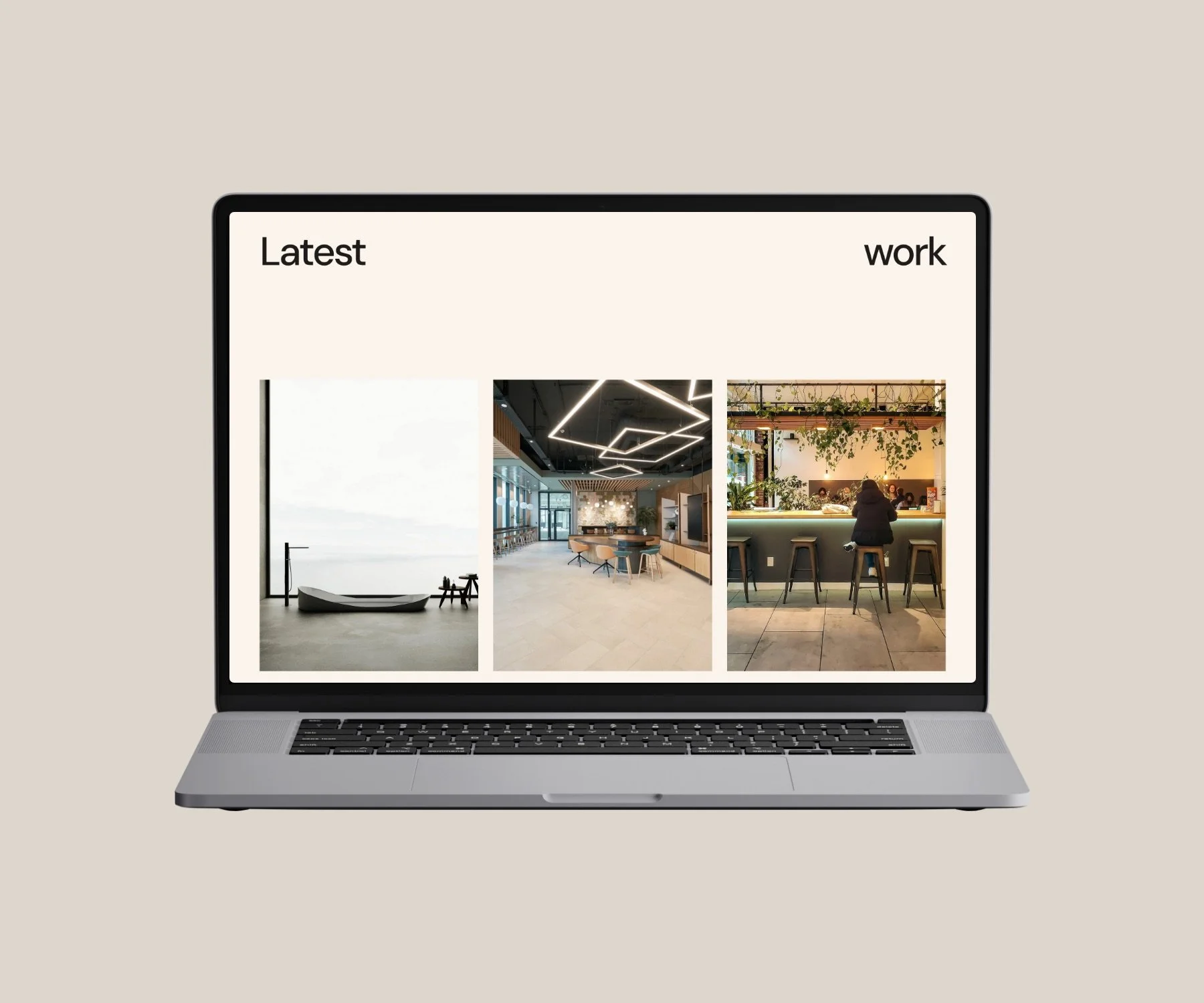
Curated projects (quality over quantity)
Clear project titles and locations (where appropriate)
Consistent image sizing and layout
Case-study style project pages
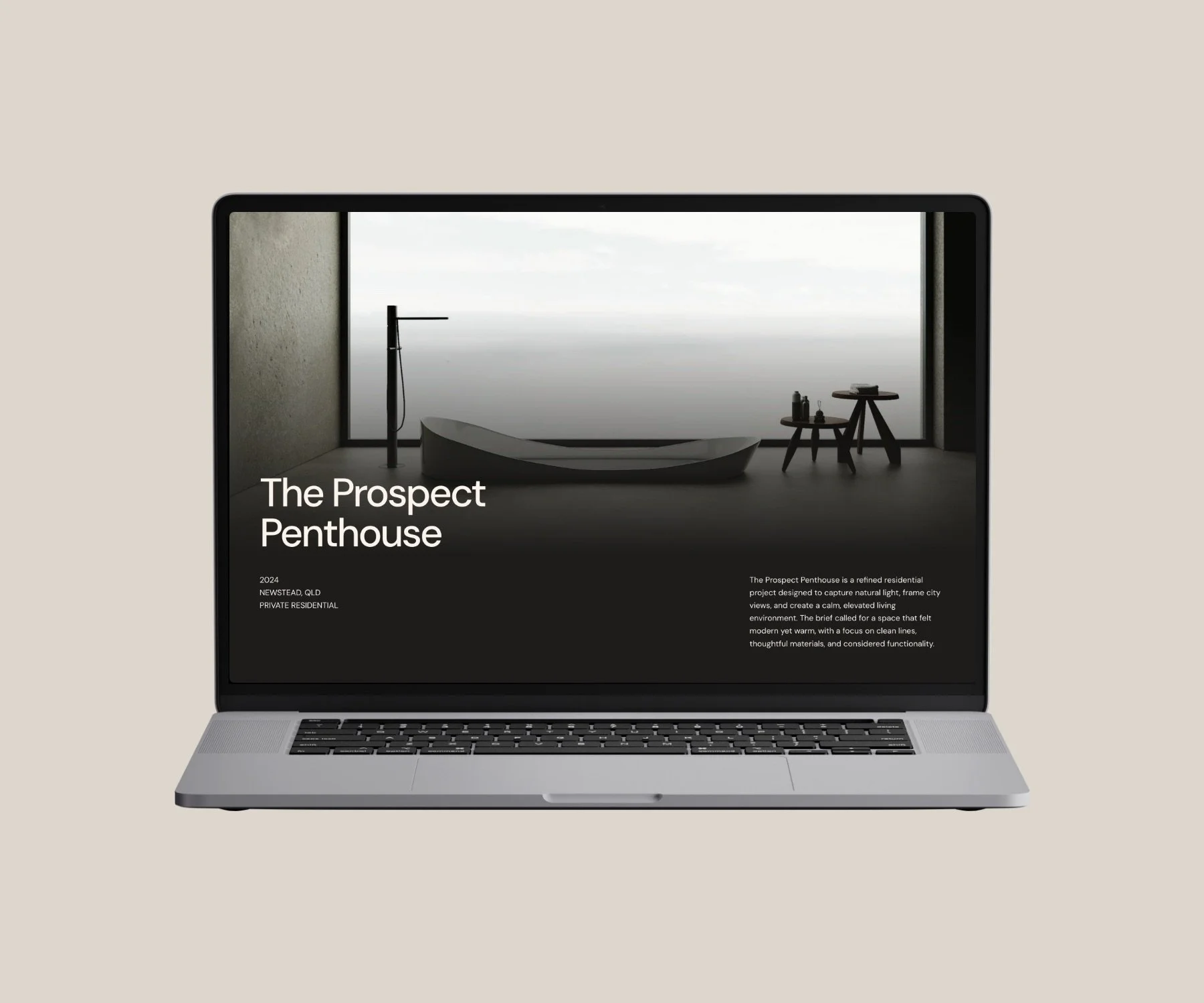
For interior designers and architects, project pages are where trust is built. Alcove includes flexible layouts that allow imagery to breathe while still supporting written context.
Services page: clarify how you work
Your services page should remove uncertainty. Rather than listing everything you can do, focus on:
Your core offerings
Who each service is for
What a client can expect
The type of projects you specialise in
This is especially important for interior designers and architects who offer layered services or phased project work.
About page: build connection and credibility
Your about page isn’t just your story — it’s your positioning. Effective about pages for interior designers and architects include:
Your background and experience
Your design philosophy
Your approach to working with clients
Professional credentials (where relevant)
Alcove’s layouts balance imagery and text so your story feels human, not overly promotional.
Contact page: make the next step clear
A strong contact page should:
Set expectations around enquiries
Clearly state who you’re best suited to work with
Include a considered enquiry form
This helps filter leads and ensures enquiries are aligned before they land in your inbox.
Optional but valuable pages
Depending on your business, you may also benefit from:
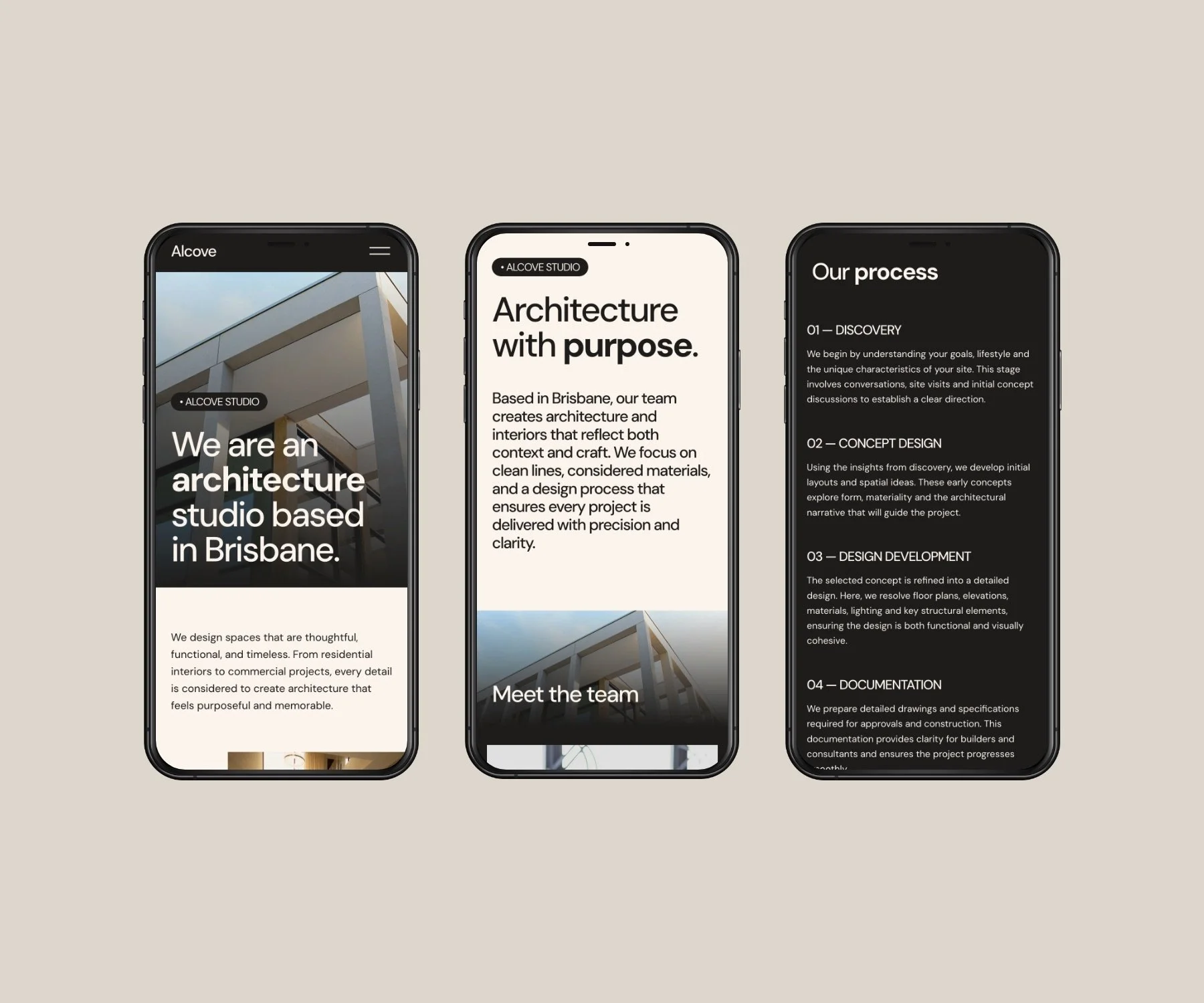
A Process page outlining how projects unfold
A Journal or Blog for SEO and thought leadership
A FAQ page addressing common client questions
Alcove supports all of these without requiring a complex site structure.
What to focus on when writing website content
Good design sets the stage, but content does the convincing.
When writing content for an interior designer or architect website, focus on clarity over cleverness.
Write for your ideal client
Avoid industry jargon. Speak directly to the type of client you want to attract and address their concerns:
Uncertainty about process
Fear of cost blowouts
Desire for a cohesive outcome
Be specific about what you do
Specificity builds trust. Instead of vague statements, explain:
The types of projects you specialise in
The scale and scope you enjoy working on
The outcomes you prioritise
This helps pre-qualify enquiries and positions you as an expert.
Let your projects lead
For interior designers and architects, imagery is part of your language. Support your images with:
Brief project descriptions
Design intent
Challenges solved
Materials or spatial decisions
This turns your portfolio into a storytelling tool, not just a gallery.
Template vs custom website design
Many designers assume a custom website is the only professional option, but templates can be equally effective when thoughtfully designed.
A Squarespace website template like Alcove is ideal if you:
Want a refined website without full custom investment
Prefer a proven structure
Need flexibility to update content yourself
Alcove offers designer-level foundations without unnecessary complexity.
DIY, supported, or done-for-you: ways to use Alcove
DIY website build
Perfect if you’re confident editing content and imagery within Squarespace. Purchase the Alcove website template.
Alcove + Squarespace Refresh
If you want professional polish before launch, pair Alcove with a Squarespace Refresh.
Semi-custom (aka done-for-you) website
If you want Alcove tailored to your brand without building it yourself, opt for a semi-custom website.
Ready to create your website?
If you’re ready to build a considered, professional website using a Squarespace website template for interior designers and architects, Alcove is available now.
👉 Purchase the Alcove Squarespace Website Template
If you’d like support choosing the right approach, get in touch to discuss a Squarespace Refresh or semi-custom website.